
Shoes
Build your footwear shortlist from sneakers, boots and casual pairs. Compare the toe shape, sole and colourway in the gallery; check the exact size on Hubbuy.
Put your next haul together.
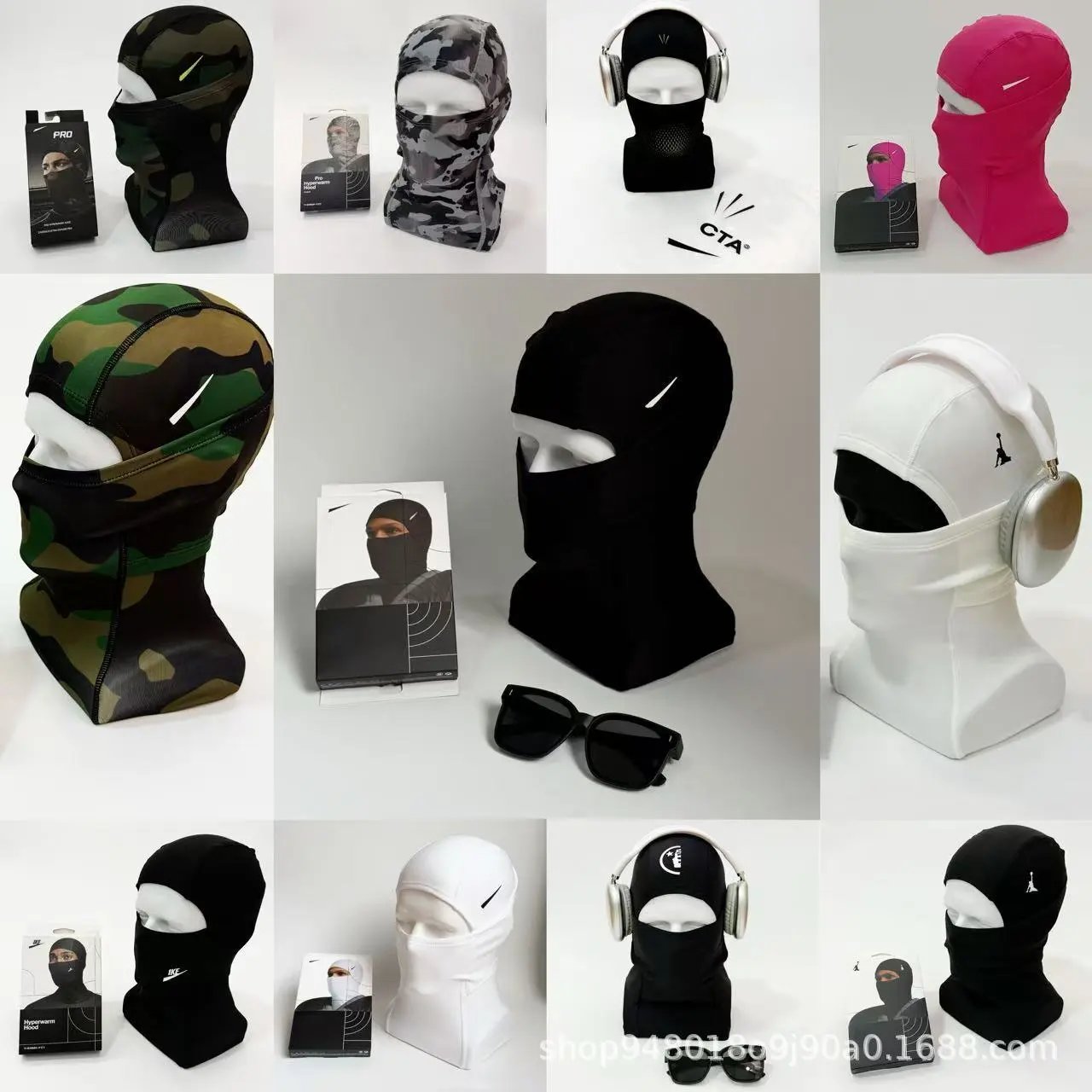
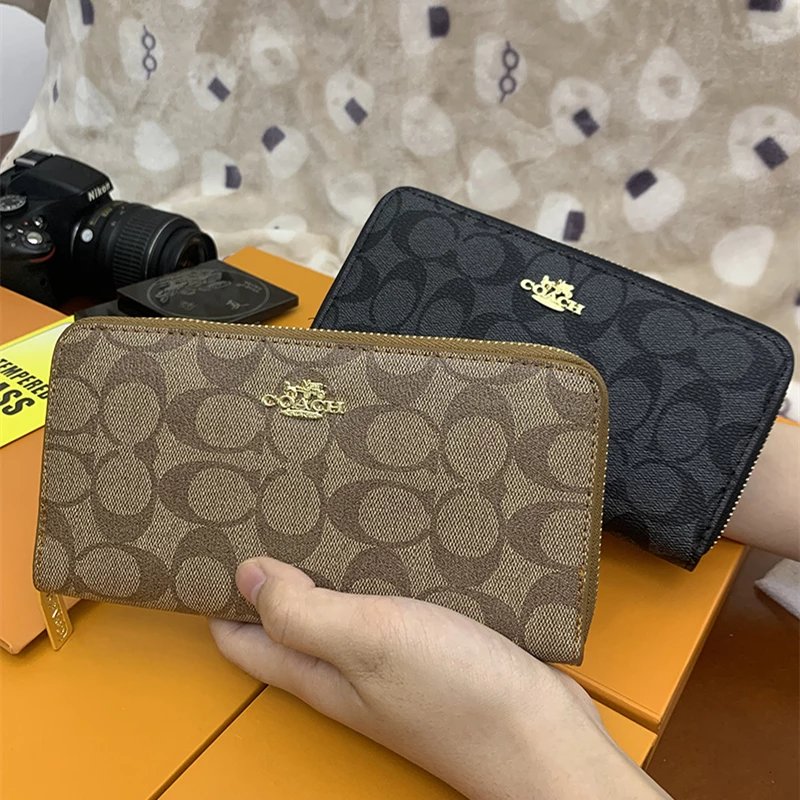
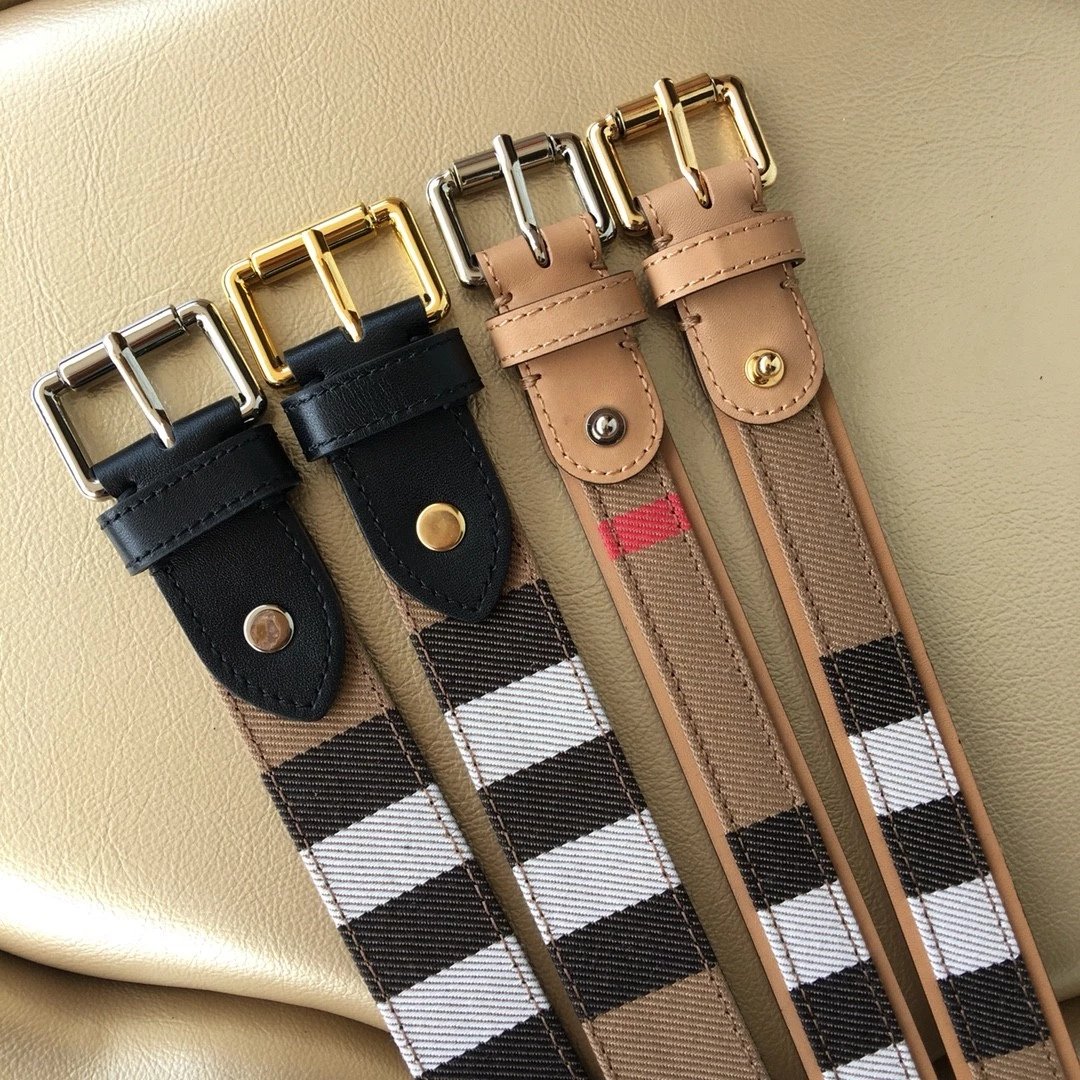
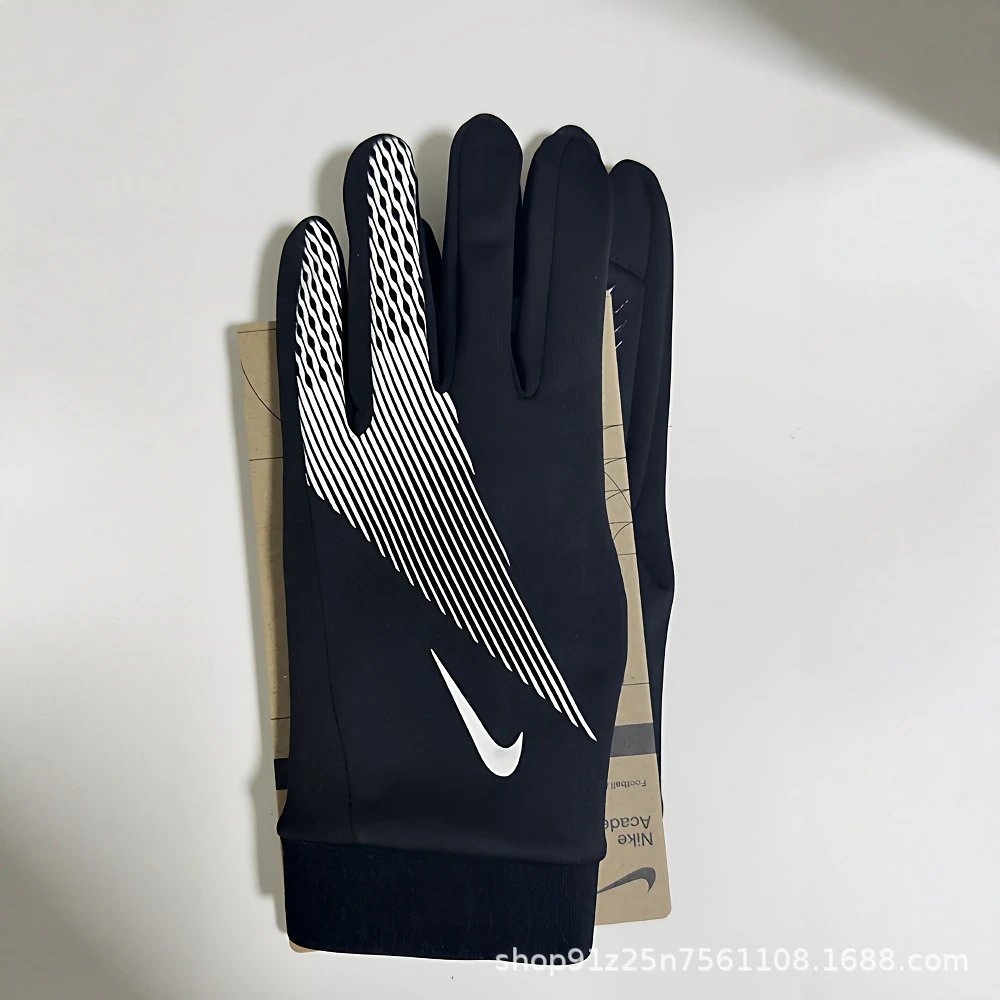
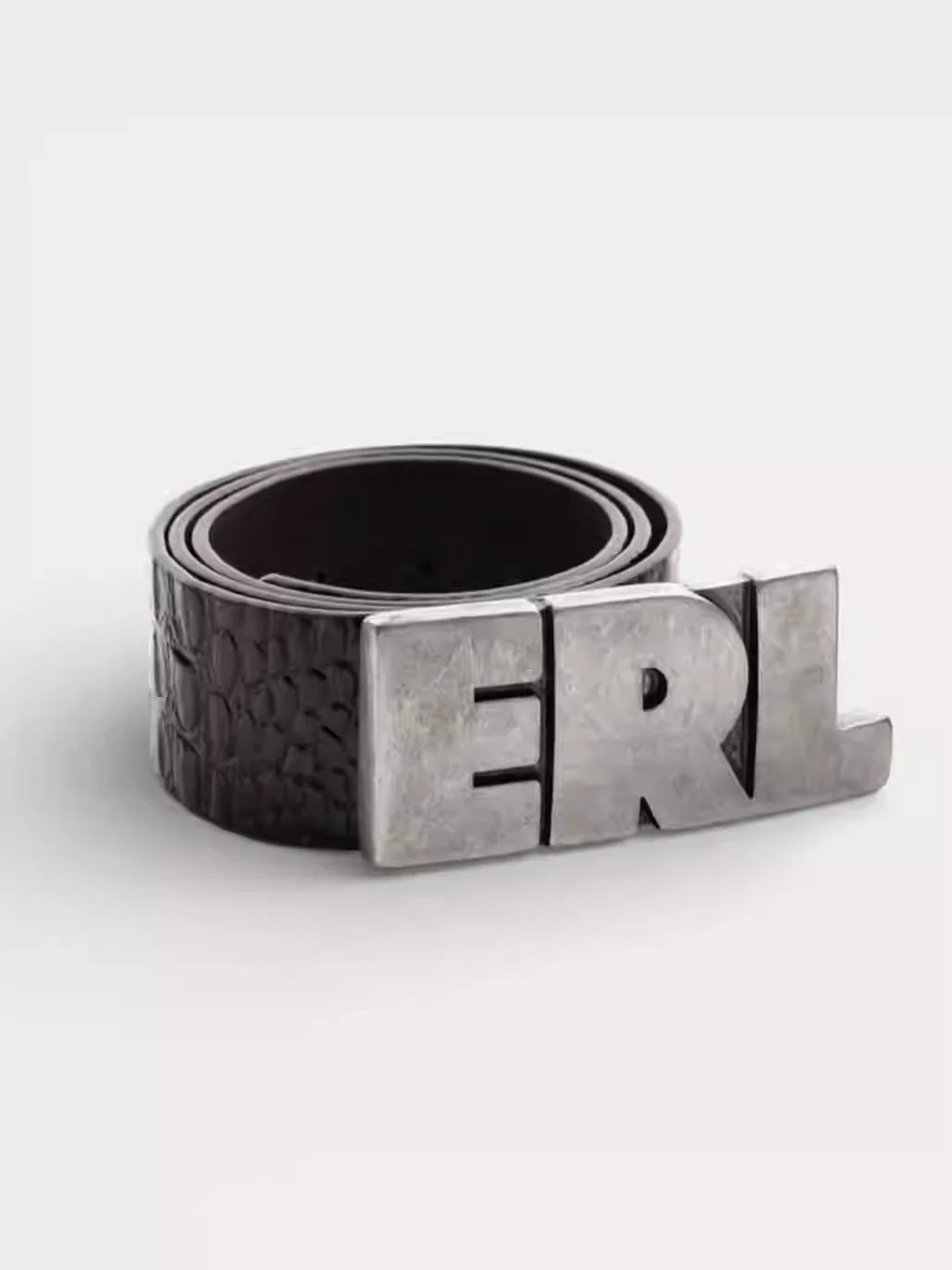
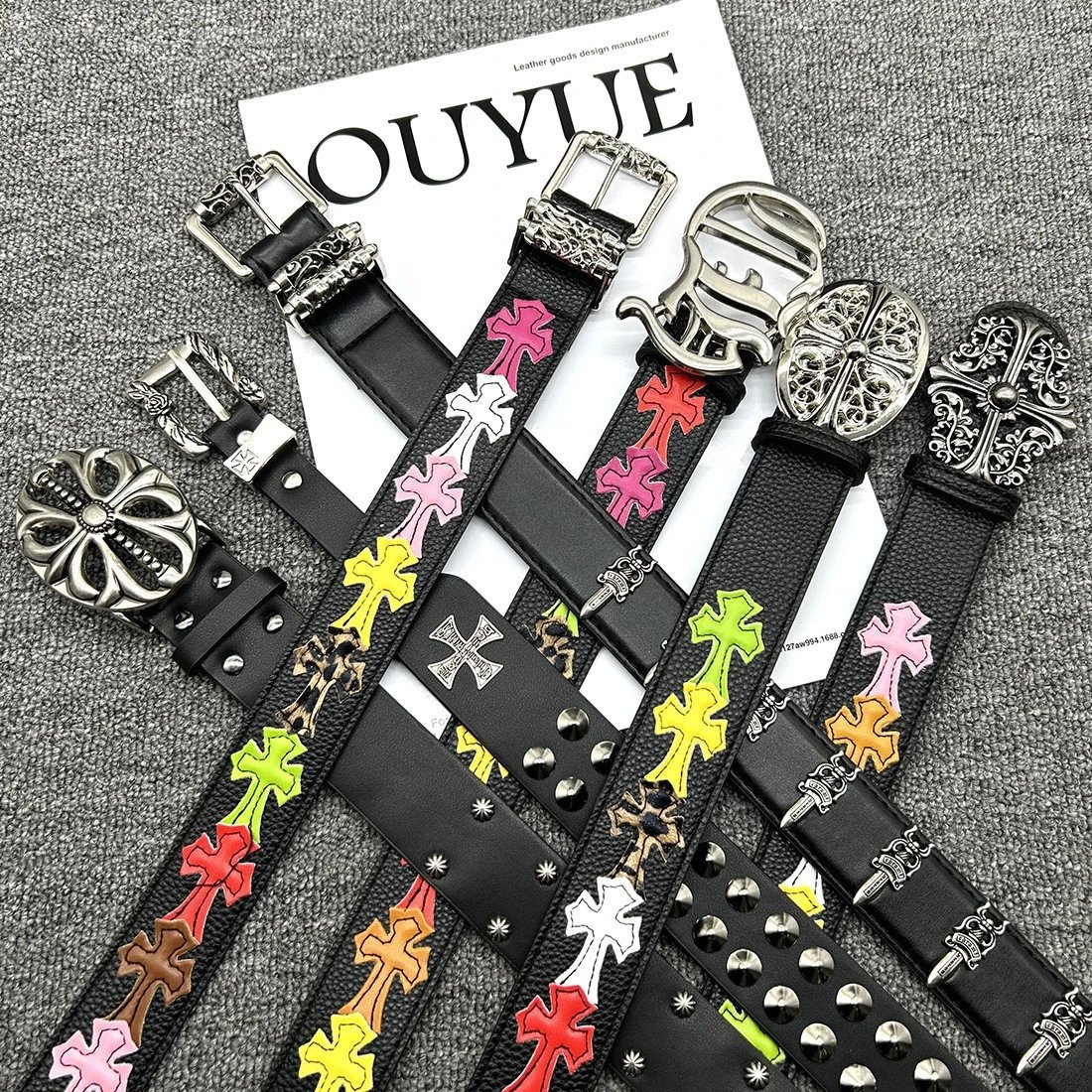
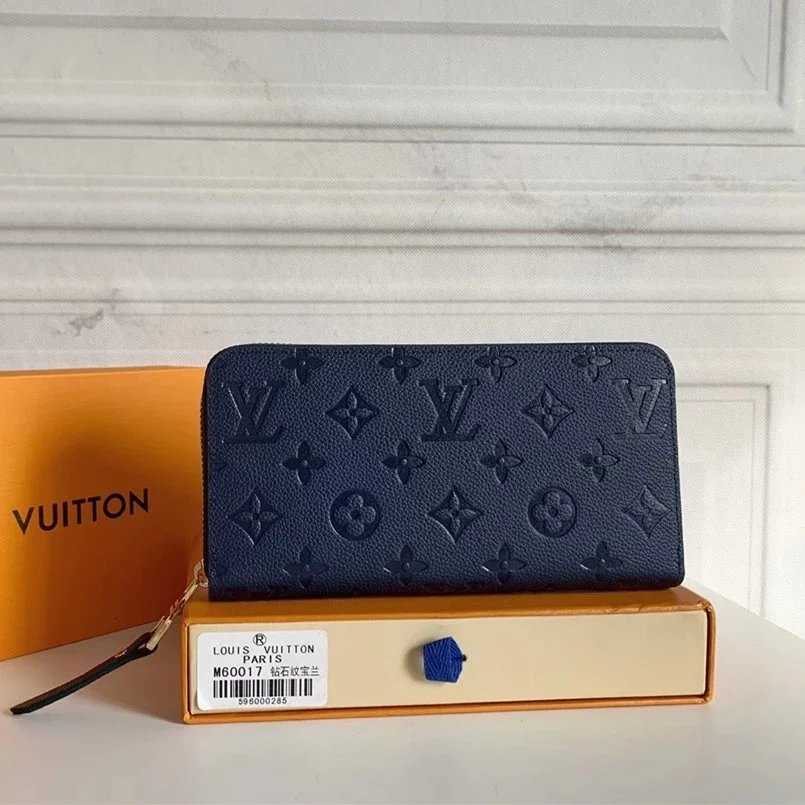
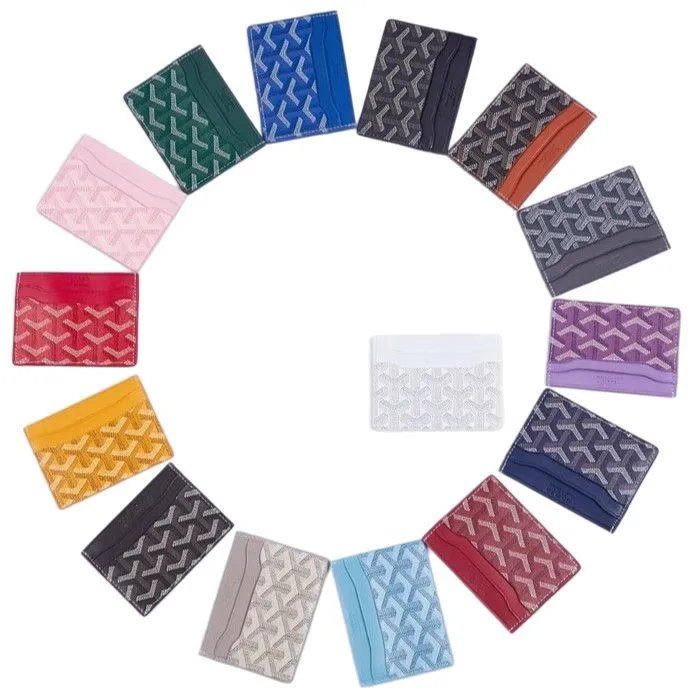


Build a shortlist across sneakers, layers, bags and everyday essentials. Compare product photos, reference prices and available QC before opening each Hubbuy listing.
Build your footwear shortlist from sneakers, boots and casual pairs. Compare the toe shape, sole and colourway in the gallery; check the exact size on Hubbuy.
Find a layer to go with your next pair. Explore tees, hoodies, shirts and knits, using the pictured print and cut to narrow your choices.
Keep trousers, denim and shorts in one browse. Photos help compare pocket placement and leg shape; use the source measurements to judge fit.
Make room for the outer layer: jackets, coats and insulated pieces. Look through available photos for cuffs, lining and fastening details.
Browse coordinated looks without losing the matching pieces. Confirm whether the listing includes a complete set or separately sold options before ordering.
Add everyday basics such as socks and underwear. Colours and pack sizes can differ between options, so compare the current listing before choosing.
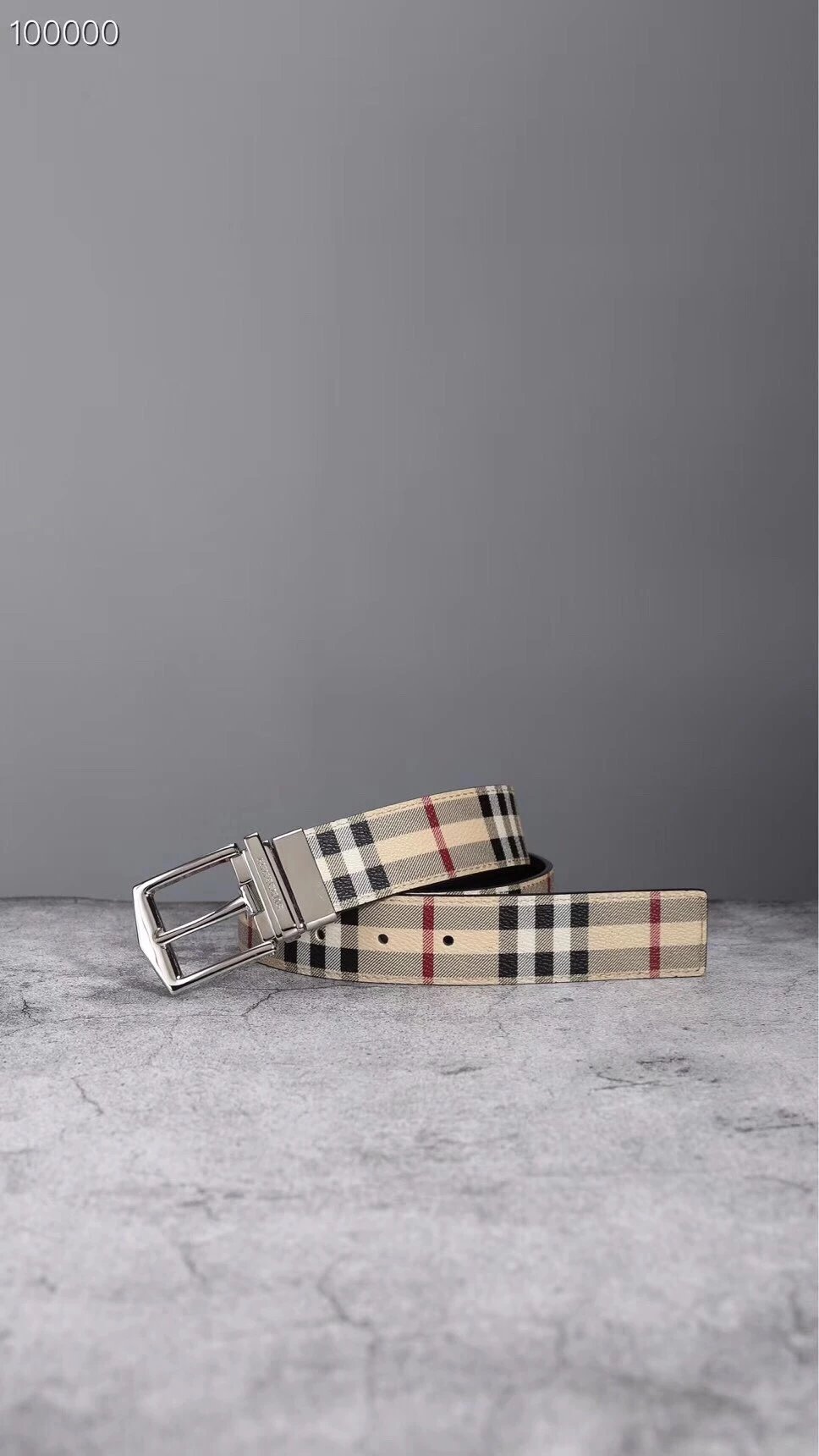
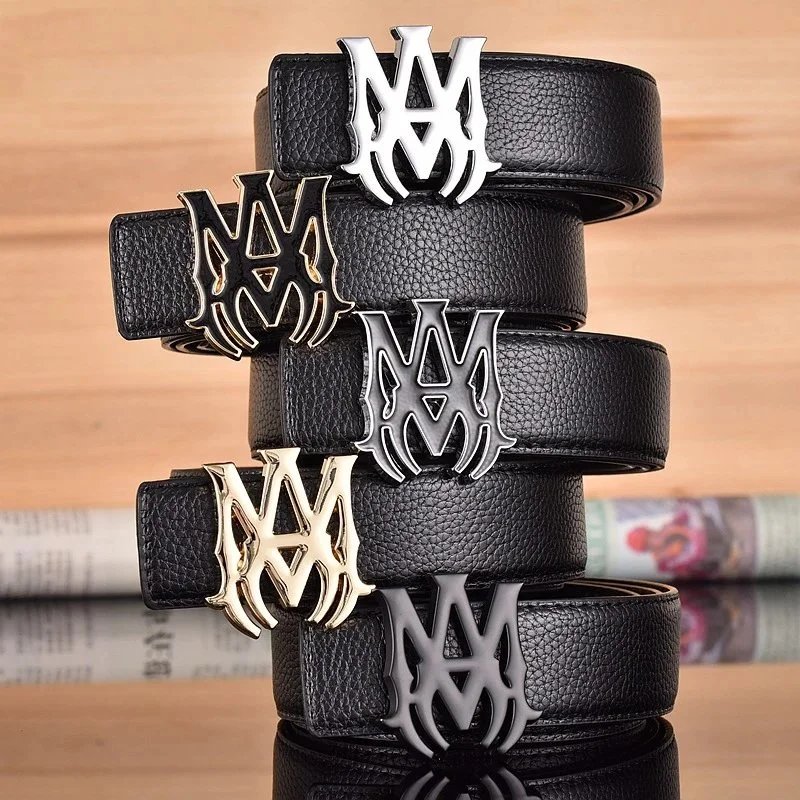
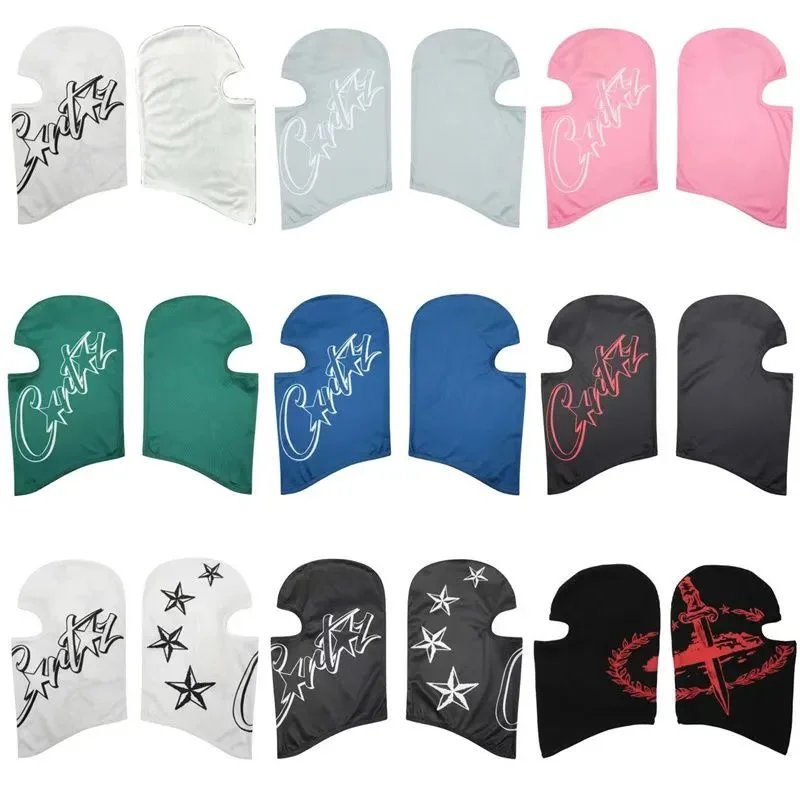
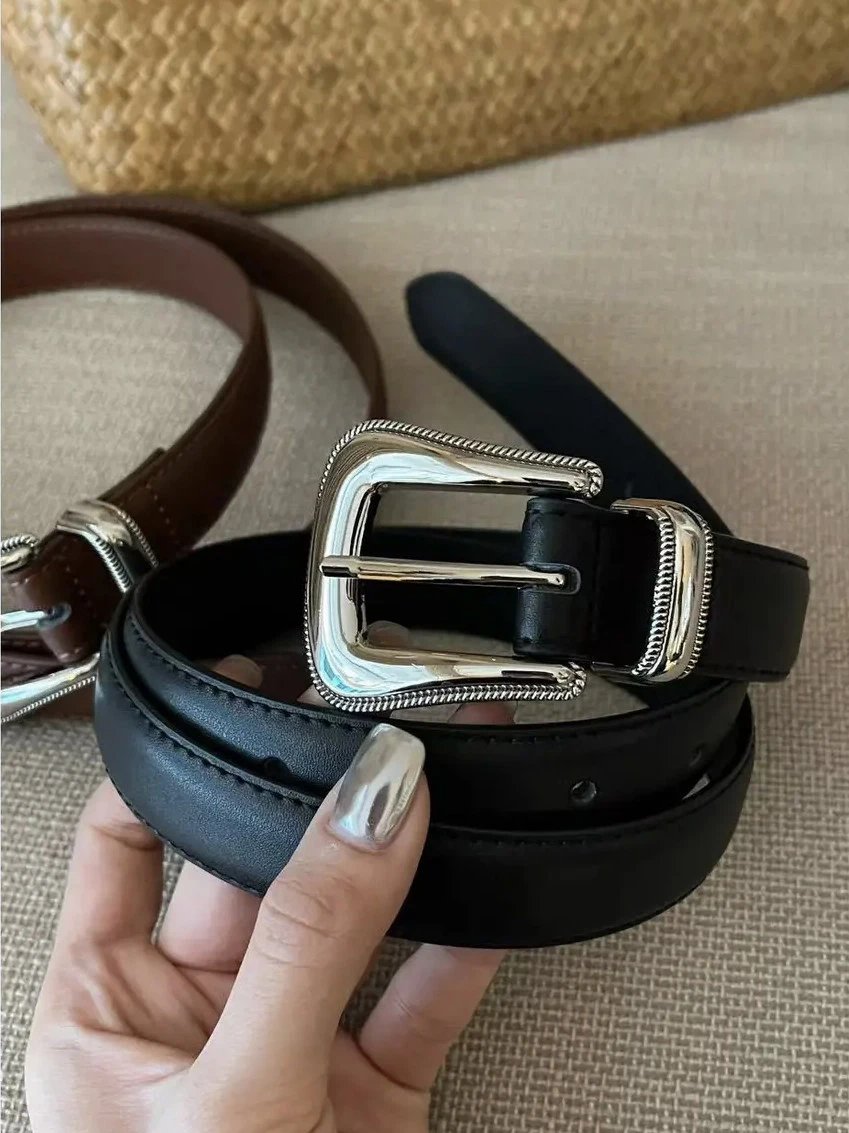
Finish the list with bags, belts, hats and smaller extras. Enlarge the photos to inspect buckles, closures and the way each item is constructed.
Find devices and accessories alongside the rest of your haul. Match the model and connectors carefully, then verify compatibility on the linked offer.
Leave space for something unexpected. Browse the items outside the clothing departments, then check dimensions and included parts on the original listing.
An independent directory of shoes, clothing, accessories, electronics and other finds, with product photos, reference prices and available QC. Browse the list online, narrow it by category or brand, and open a product for its gallery, pictured styles and source link. It is a browsing catalogue rather than a downloadable spreadsheet. Use it to compare finds before continuing to Hubbuy; the listing there is where you confirm your purchase options.
Open Sneakers under Shoes or Hoodies under Tops in the category directory to browse the corresponding product list. The category directory separates broad departments from specific item types, so you can also explore casual shoes, shirts, jackets, trousers and bags. Open an individual item to compare its photos, price and available QC. To find a particular design within a category, use descriptive keywords in the search box.
Enter a product name, model or a few distinctive keywords. Try a broader term if you get too few results. Start with the main identifying words rather than a long sentence, then adjust your query using the product images. Check any active category or brand filters if an expected item is missing. If you only have a reference photo, try Image search and compare the returned items rather than assuming the first match is exact.
Yes. Choose a brand or sort order on a product list; results update immediately. Use Reset to clear your selections. Category and brand choices help narrow the list, while sorting changes the order of the matching results. The active filter labels show what is applied and let you remove individual conditions. For price comparisons, use the same currency and inspect the actual product options; the lowest reference price alone does not identify the option you want.
No. Only available QC photos are shown. They document the pictured item and do not guarantee the quality of a future order. Use QC photos to compare the photographed item's shape, colour, stitching, print placement and visible details with the product photos. Missing QC means no photos are available here, not that the item has failed an inspection. Lighting and camera angles can change how colours and proportions look; photos alone cannot confirm authenticity, material quality or fit. Before ordering, check the exact style and size on Hubbuy, and review the photos for your own order when available.
Click or tap the main photo or a QC picture to open the viewer, then use its photo and zoom controls. Use Previous and Next to compare different angles, Zoom to inspect details, and Close to return to the product. The viewer shows the full photo; the page thumbnail may be cropped. Product photos and QC are separate galleries, so check both and make sure the pictured colour and style match the option you want.
No. Thumbnails only change the preview. Confirm the actual colour, size, quantity and other options on Hubbuy before ordering. The preview helps you compare pictured colours and designs without leaving the page; it does not reserve stock or add anything to a cart. A photo may represent several options, and a different size can have a different price. Open the purchase link and make your final selections on the destination product page.
Yes. Upload, drop or paste a JPG, PNG, WebP or GIF of up to 20 MB. A similar-looking result may be a different item. Use a clear reference with the main item easy to see; a photo containing many products can make the matches less specific. After uploading, open the returned products to compare shape, colour and source details. Where results span two pages, switch pages to view the remaining matches; a visual match is a starting point, not confirmation of the same model or quality.
Supported links open the corresponding marketplace item on Hubbuy and include our referral code. Check the destination listing before ordering. The current supported route uses the original Weidian product ID, so the button is intended to open the same source item through Hubbuy. Compare the destination title, pictures and options before proceeding. If Hubbuy asks you to sign in, the link is still a product entry point; it does not create an account or place an order for you.
US dollars are the default when exchange rates are available. Choose another currency in the header; confirm the current price on Hubbuy. Changing currency converts the displayed reference amounts using available exchange rates and helps you compare items consistently. It does not change the seller's price or lock in a rate. The selected style, current listing and checkout may show a different amount, so use Hubbuy's displayed price when deciding whether to buy.
Check the current destination listing for measurements, size charts, stock and included items. Older photos do not confirm current availability. Compare garment measurements or shoe sizing with something that already fits you rather than relying on a familiar size label alone. Verify the selected colour, size, quantity and what is included before payment. A style photo on this guide is a reference and does not reserve that variant or guarantee its current price or stock.
No. Hubbuy Lists is an independent guide and may earn referral commissions. Accounts and orders are handled on Hubbuy. This guide helps you discover and compare products; it does not operate Hubbuy, hold your balance or manage an order. Registration and purchase links lead to the external platform. For payment, delivery, account access or after-sales questions, use the support channels on the platform where you registered or ordered.